1
Enter Your Email
When you open the portal or application, enter your full CUA email address, such as [email protected], then select Next.
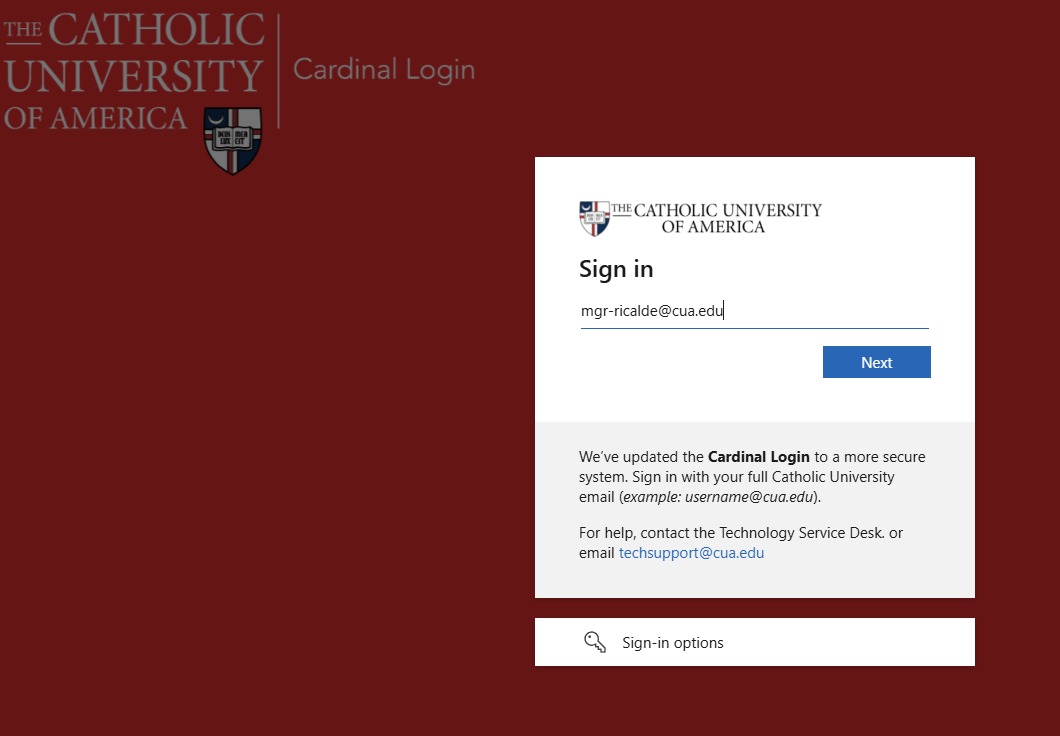

Cardinal Login
The Catholic University of America uses multi-factor authentication to help protect your account. Use this guide to complete Cardinal Login setup with Cisco Duo.
Your full Catholic University email address, your account password, and access to the phone enrolled with Duo.
When you open the portal or application, enter your full CUA email address, such as [email protected], then select Next.
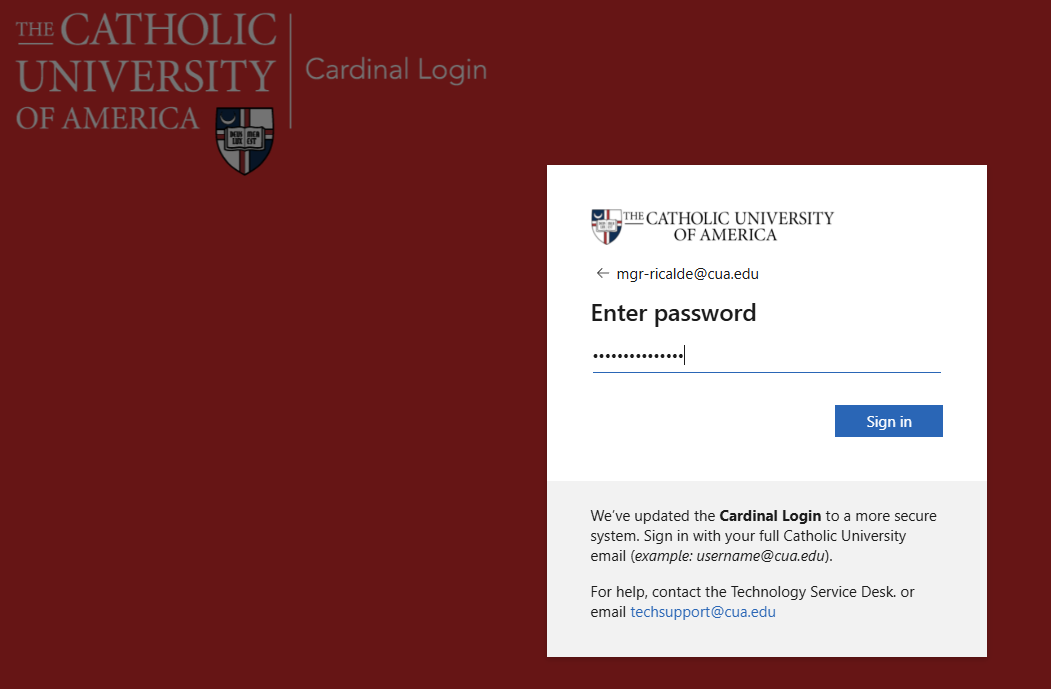
Enter your account password and select Sign in.
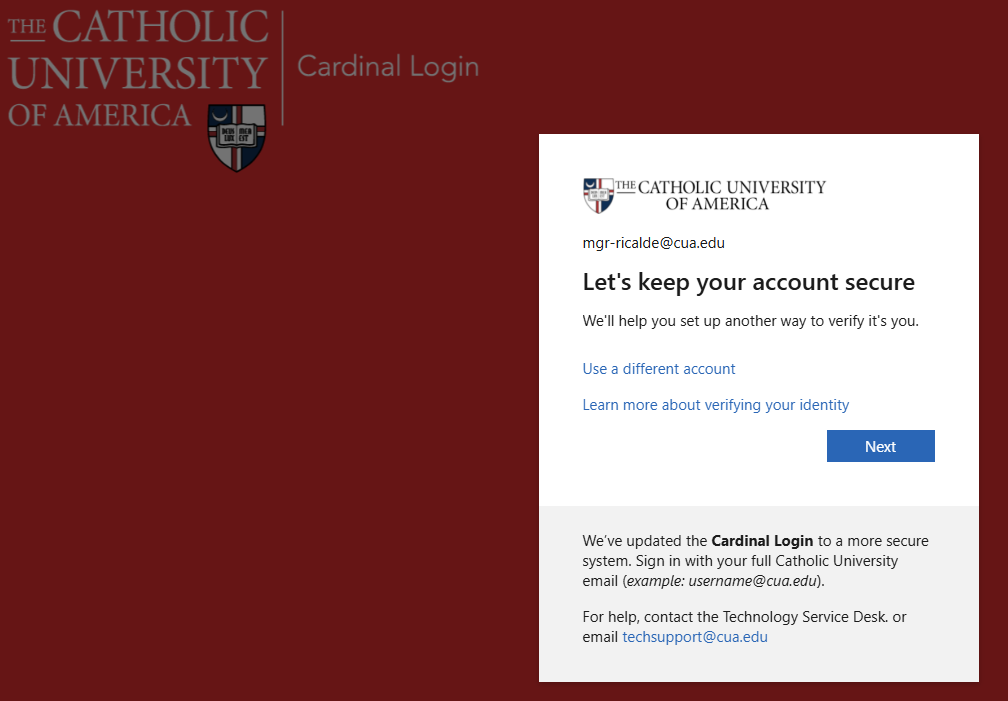
When the Let's keep your account secure screen appears, select Next.
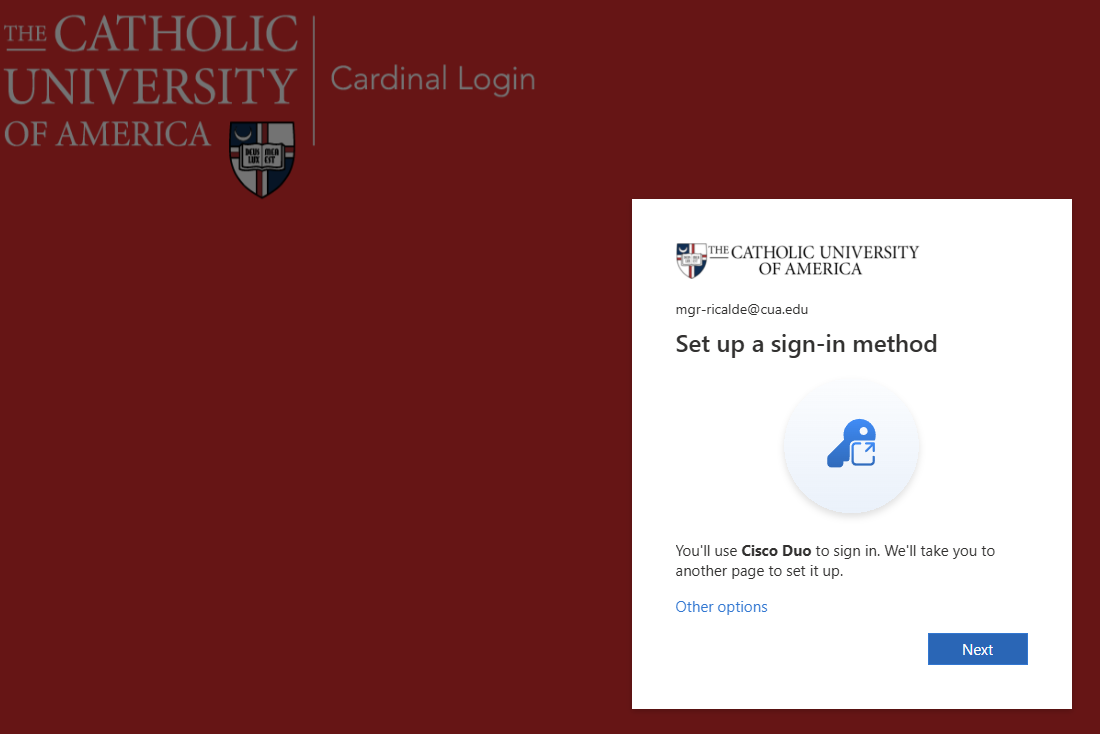
The system will show that you are setting up Cisco Duo. Select Next to continue.
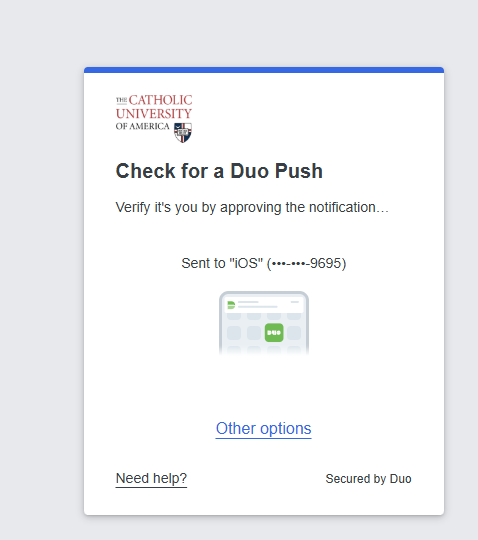
Check your smartphone for a Duo verification notification. Tap Approve on your phone to complete the verification.
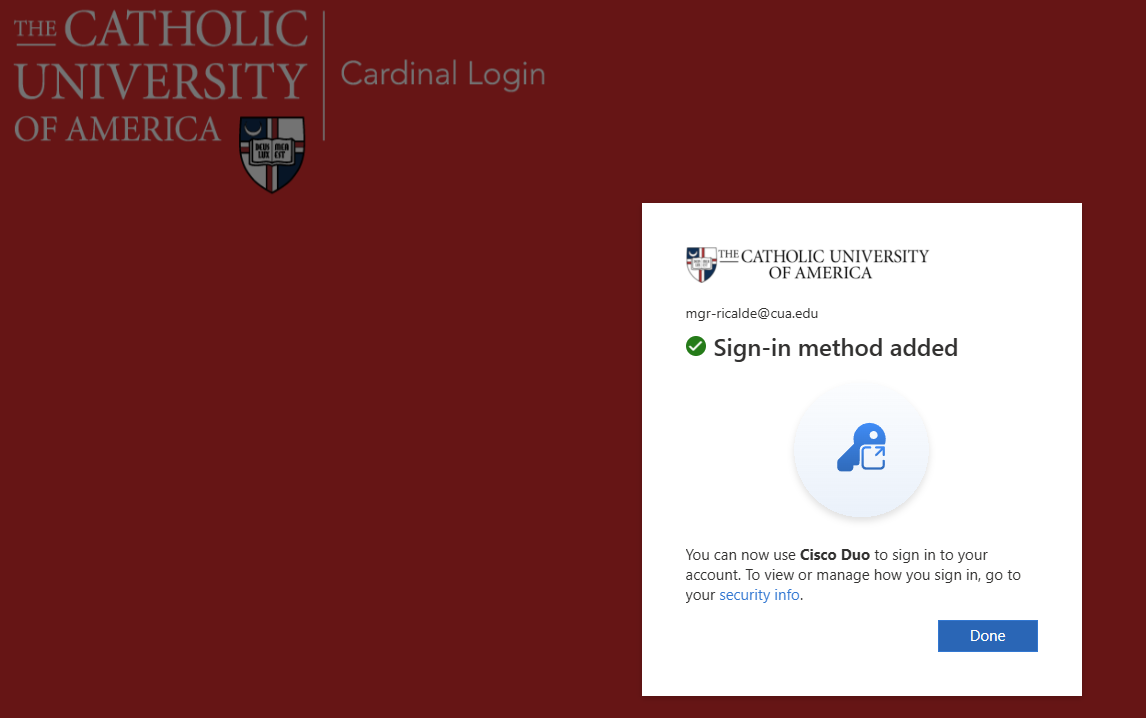
After the sign-in method is added, select Done. You will then be directed to the application.
If you run into issues or do not receive the push notification, contact the Technology Service Desk at [email protected].